
Discover
Reconnaissance and service discovery
Ask the agent to map approved targets, identify reachable hosts, enumerate services, and summarize useful observations for the next step.
DrowAI / Use cases
Start with an objective. Follow the agent's work, connect the evidence, and turn the investigation into a report.
DrowAI / A complete workflow
Seven steps through the workspace, illustrated with real application screenshots.
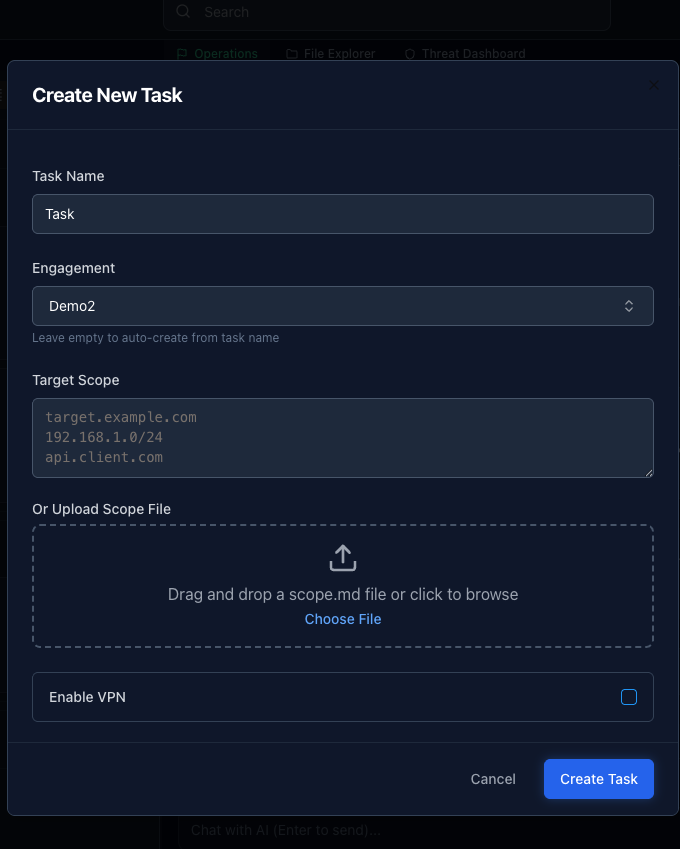
Name your task, choose an engagement, and define its scope.
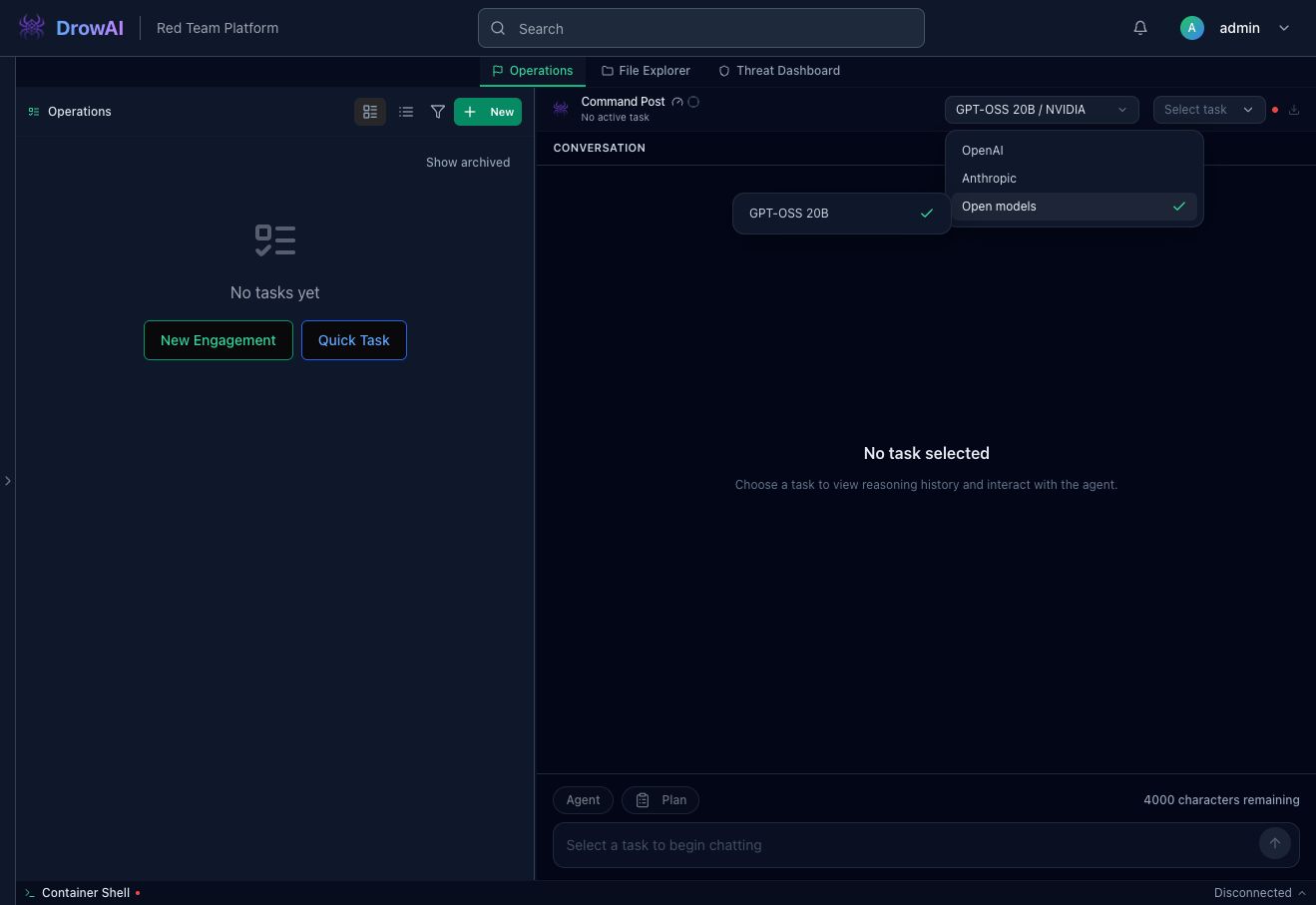
Choose the provider and model for the conversation.
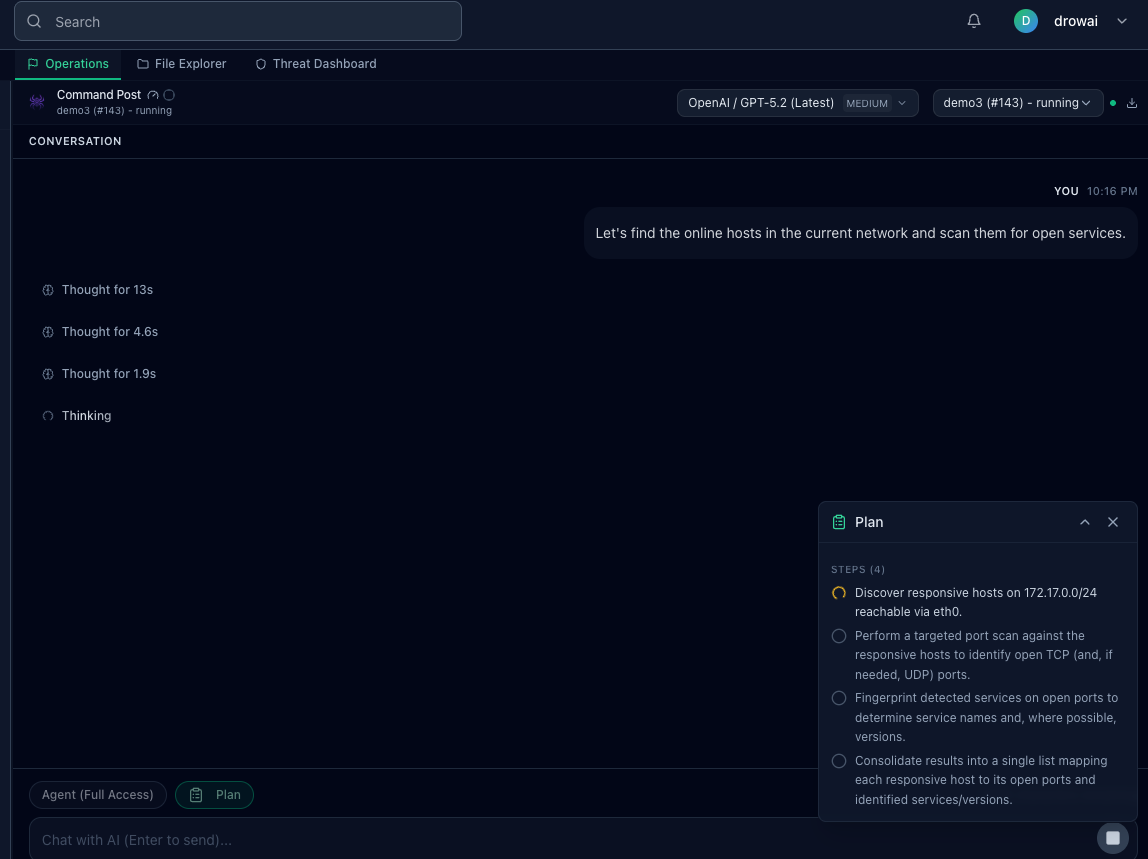
Describe your objective and review the proposed plan.
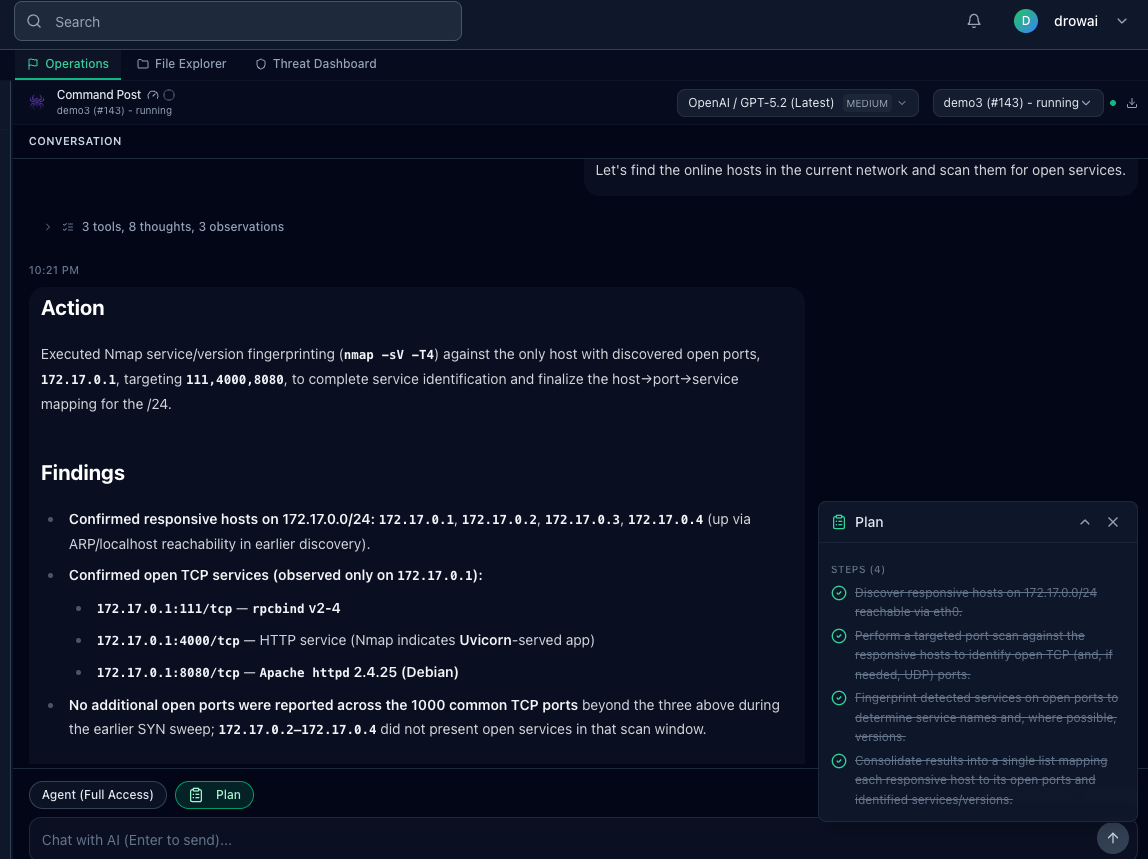
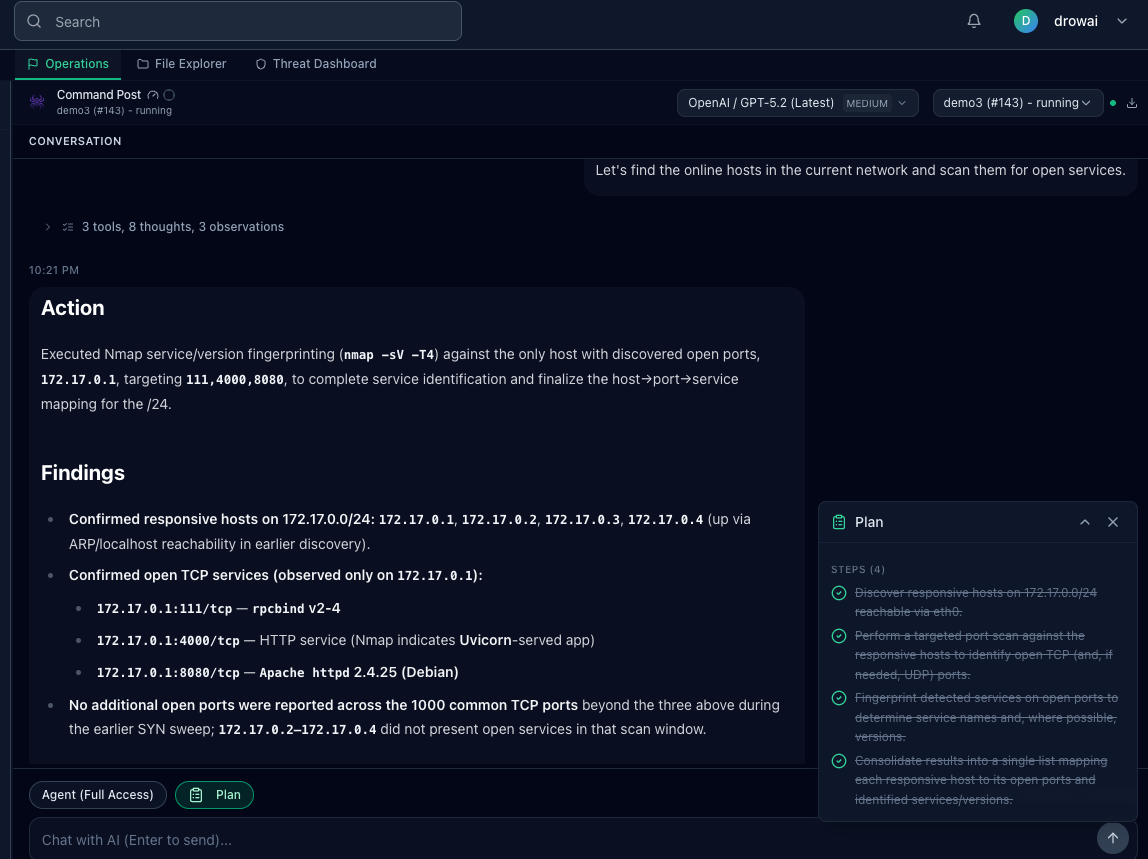
Follow the tool activity and observations, then read the generated response.
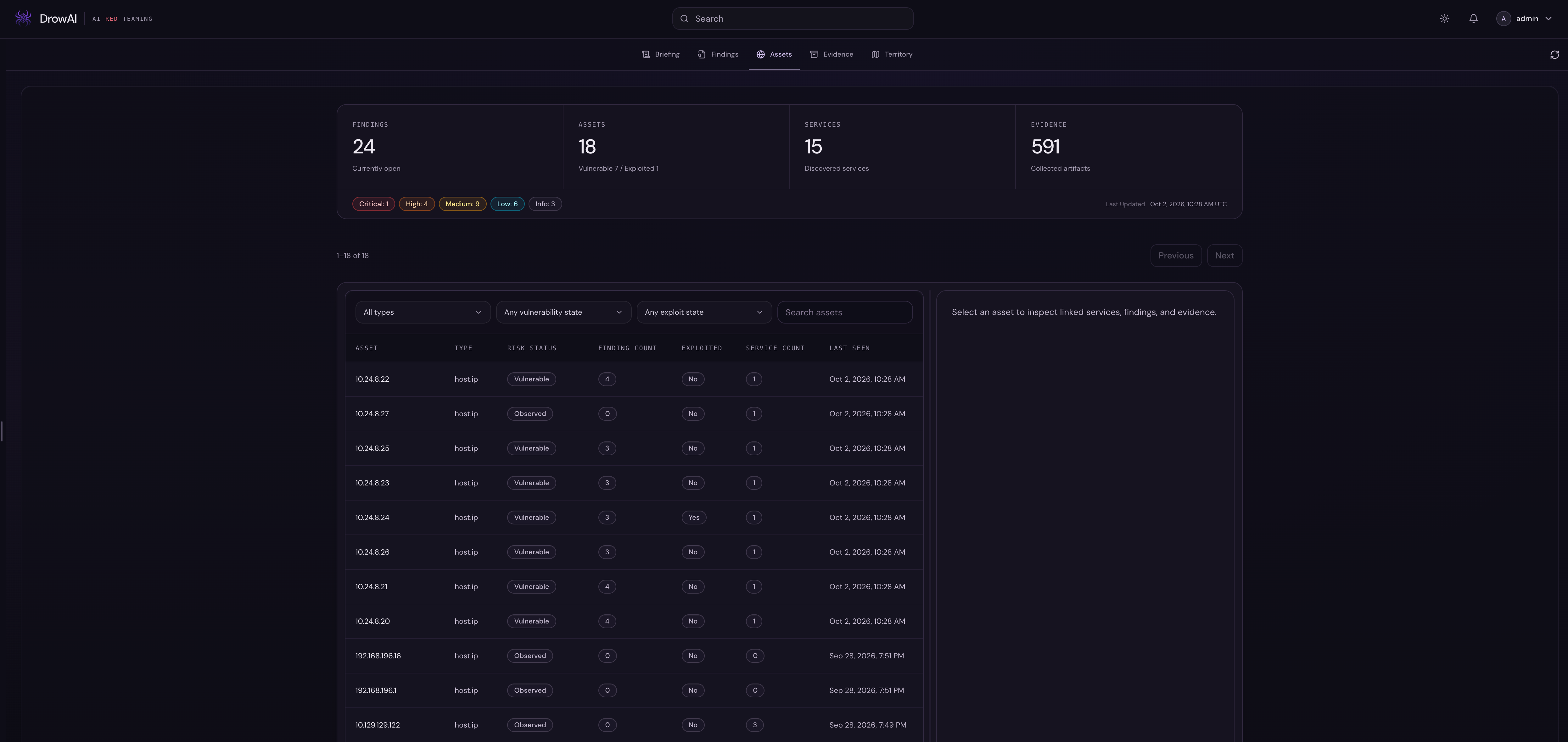
Review assets, findings, evidence, and their relationships.
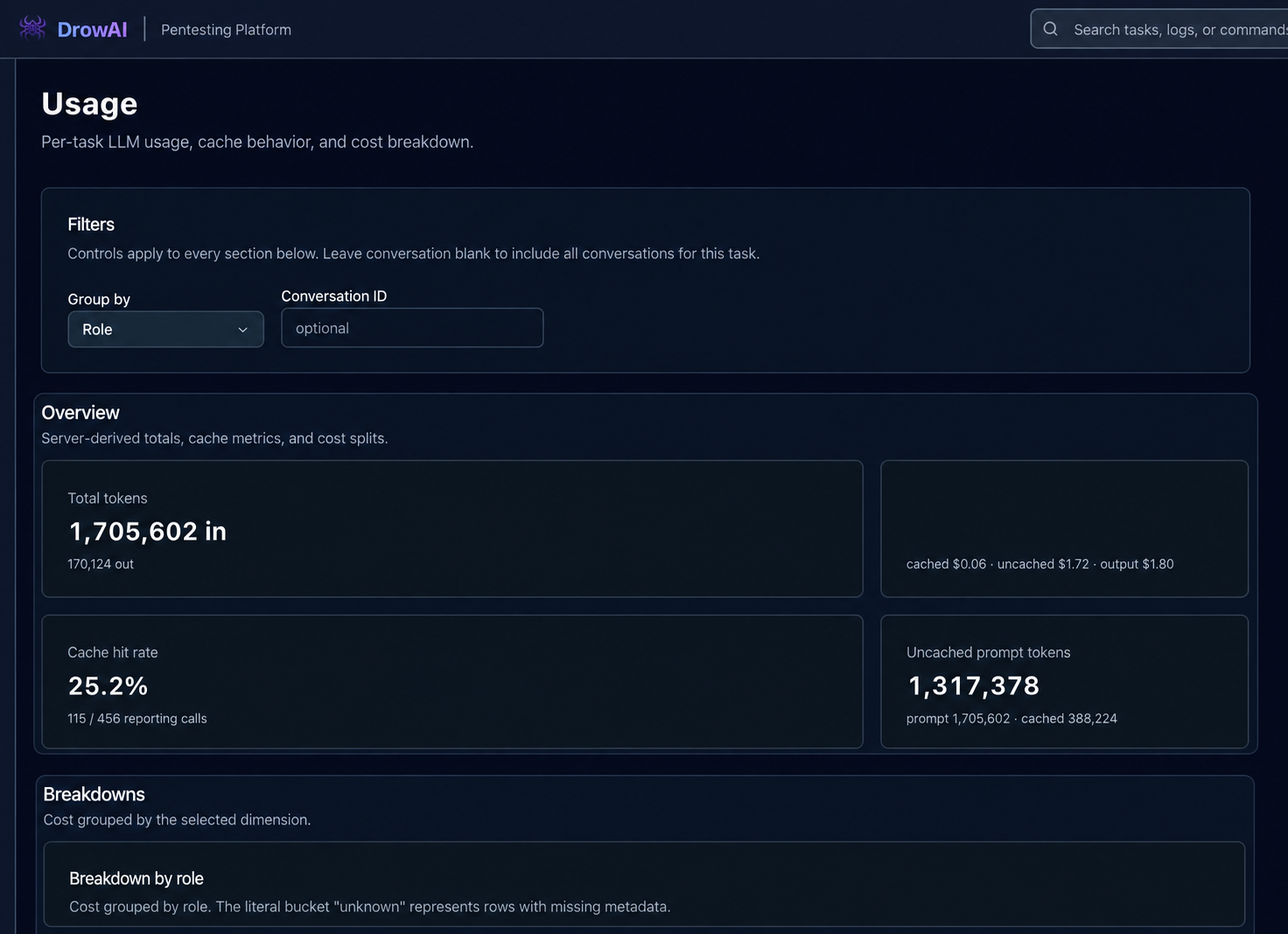
Check token usage, cache behavior, and the cost breakdown.
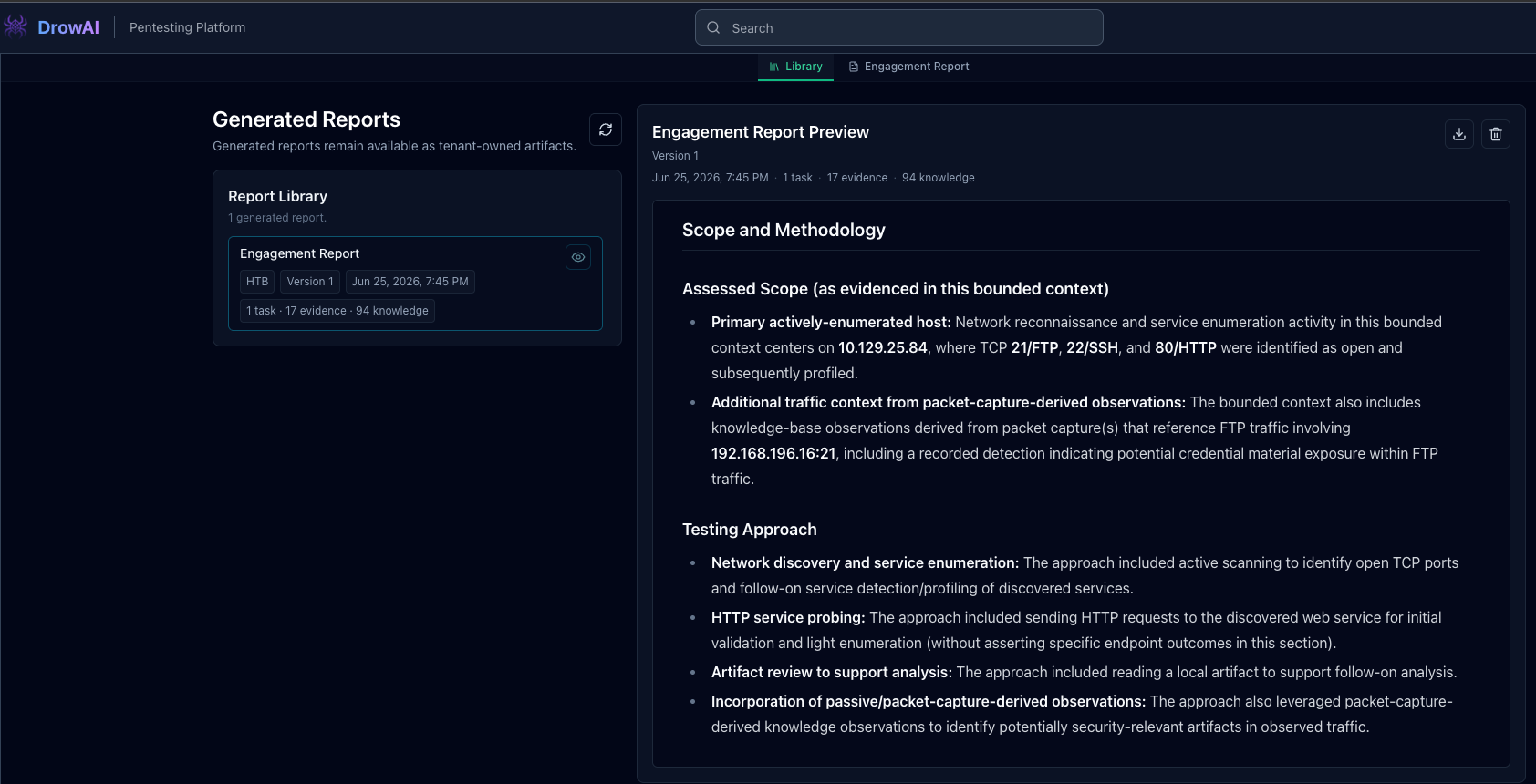
Stop the task, prepare its inputs, then generate and review the report.
Screenshots show existing demo sessions. The model, task, and engagement may differ between steps.
Put the workflow to work
Use the same connected workspace across the stages of an engagement.
Discover
Ask the agent to map approved targets, identify reachable hosts, enumerate services, and summarize useful observations for the next step.
Validate
Run focused checks against in-scope services, review the resulting output with the agent, and let DrowAI carry the useful task context into structured engagement knowledge.
Verify
Use the agent to reason through a suspected weakness, run approved validation steps, and keep the operator in control of sensitive actions.
Communicate
Collect relevant outputs, screenshots, findings, and task notes into structured records that can support a final assessment report.
See it in motion